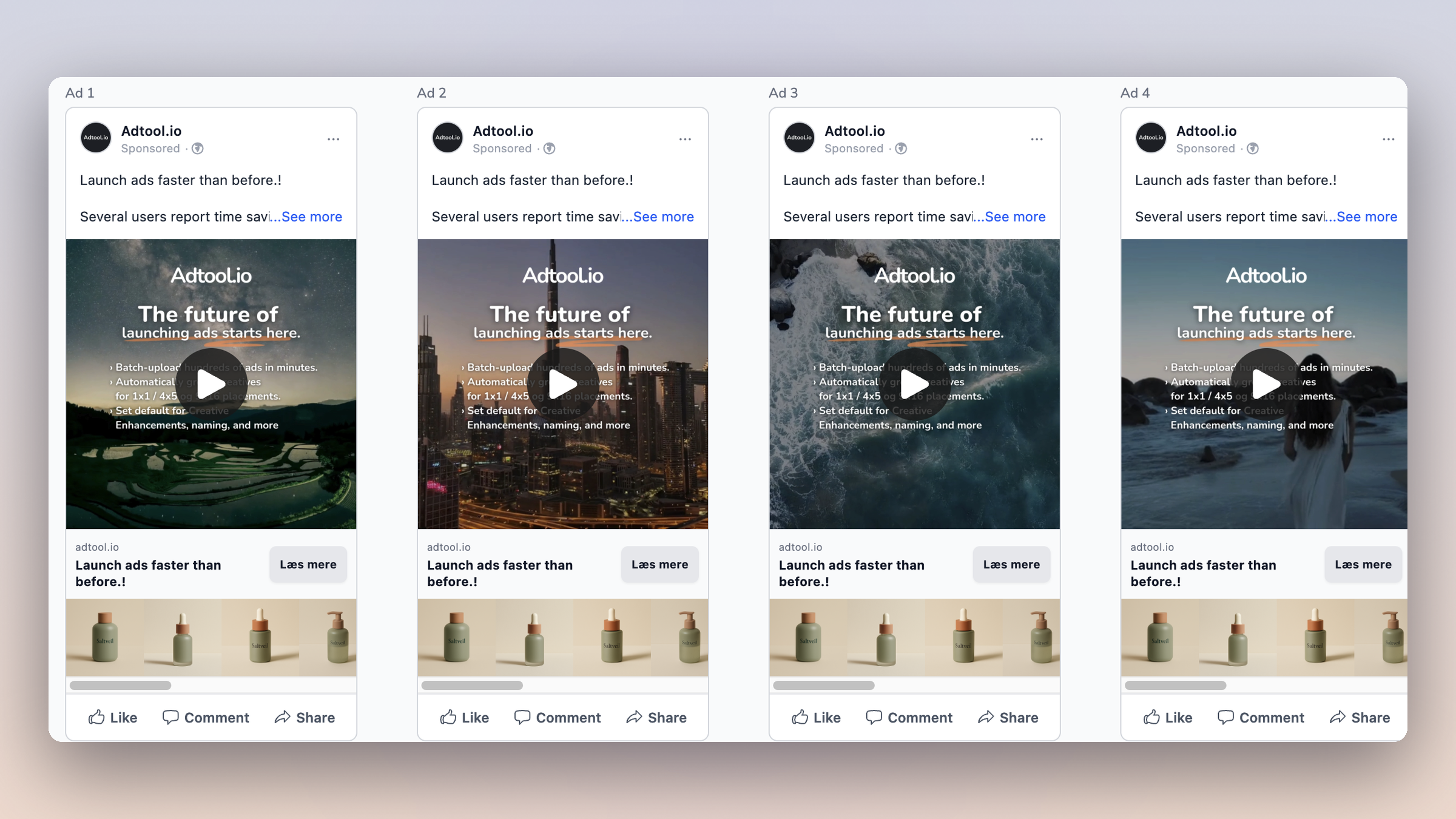
Launch event ads
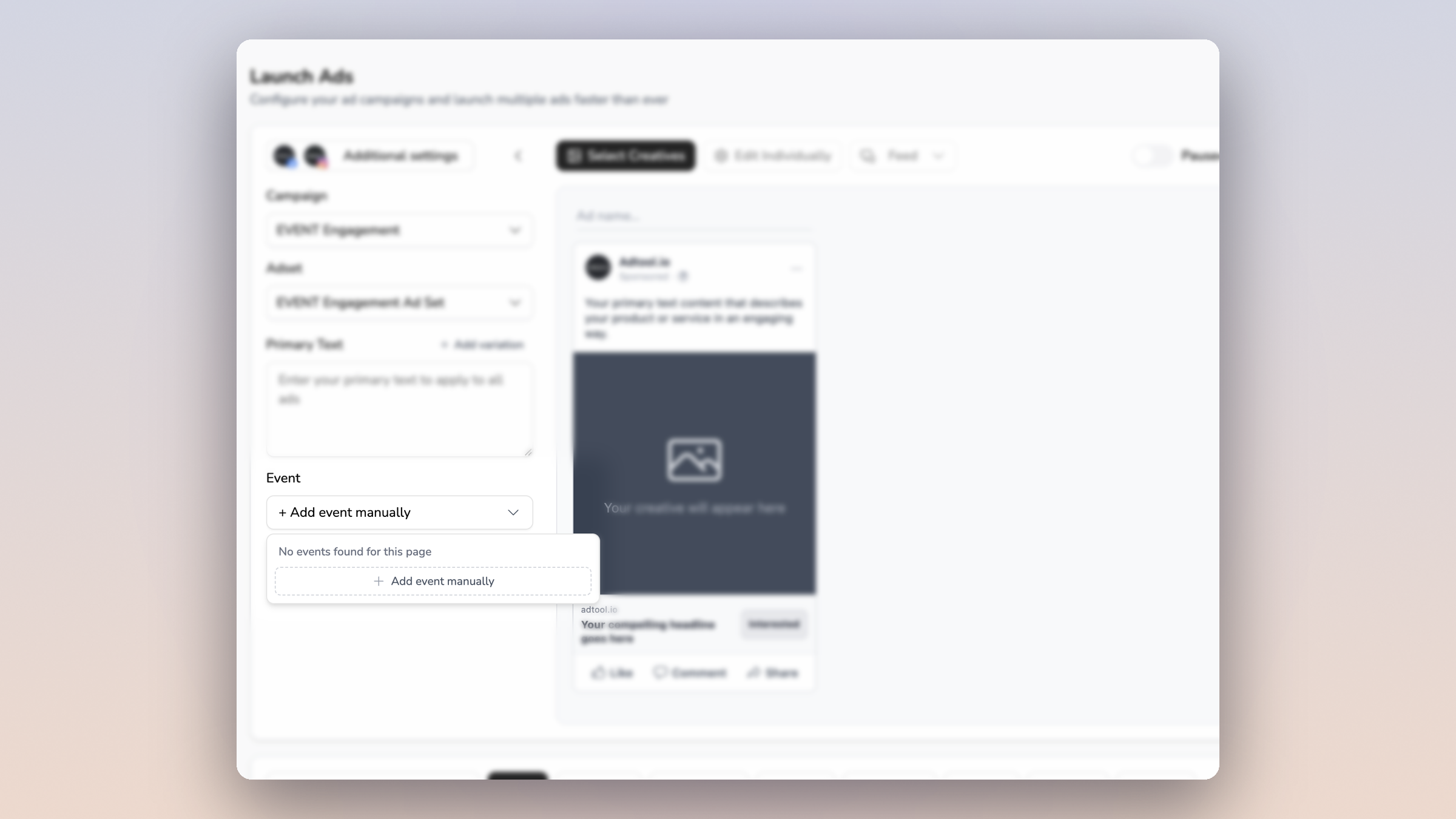
You can now add a Facebook event to your event ads by hand, so a missing event no longer blocks your launch.
When you launch an ad from your event engagement campaign, Adtool loads the events from your Facebook page into the Event dropdown. Facebook does not always return those events to third-party tools, even when the event exists on your page and you can select it in Meta Ads Manager. When that happens, you can now:
Click Add event manually in the Event dropdown, including when the list comes back empty
Paste the event's Facebook link, or its ID
Launch the ad with that event, exactly as if it had loaded automatically
This is only for events that do not appear on their own. If your events already show in the dropdown, keep selecting them there as usual.
So a page whose events Facebook will not share no longer has to wait. You copy the event link from Facebook, paste it into Adtool, and launch right away.