Import creatives from your existing library in Meta
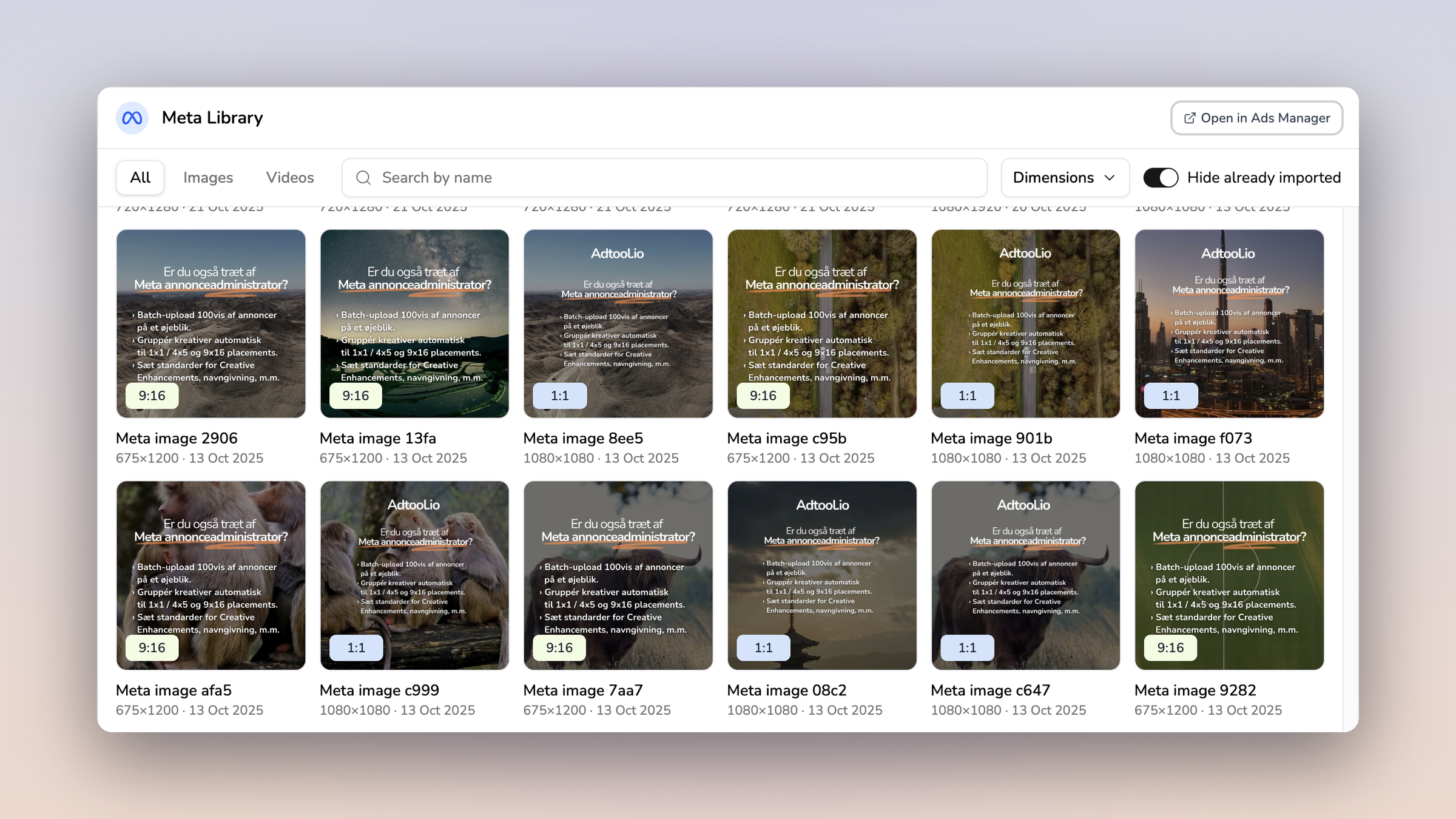
You can now import creatives you already have in Meta straight into Adtool, without downloading and re-uploading them.
Meta Library is a third tab in the upload area, next to Direct Upload and Google Drive. It opens a browser of the images and videos already sitting in the ad account you have selected.
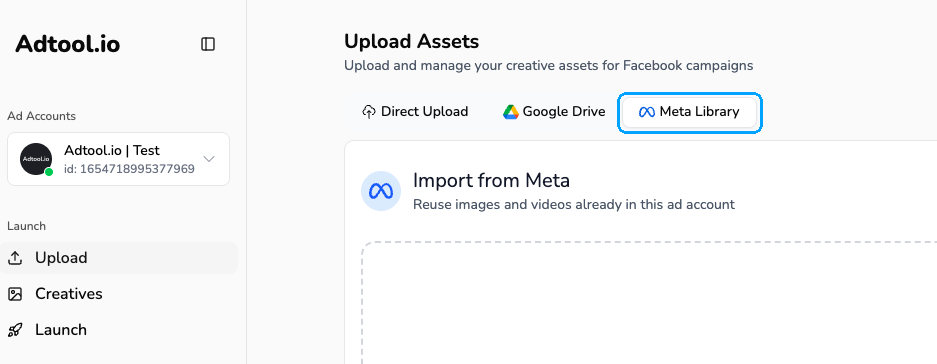
You can now import from your Meta ad account and:
Filter by All, Images or Videos, search by name, and narrow the grid by dimensions.
Select many assets at once by clicking, shift-clicking a range, or dragging a box across the grid. Up to 50 per import.
Hide the assets you have already imported, so you only look at what is new.
Keep working while the import runs. The upload indicator carries the progress.
Jump to the same account in Meta with Open in Ads Manager.
Imported assets land in your creative library as normal creatives. You can tag them, group them, and launch with them the same way as an upload.