Track your team's launches in the new Activity tab
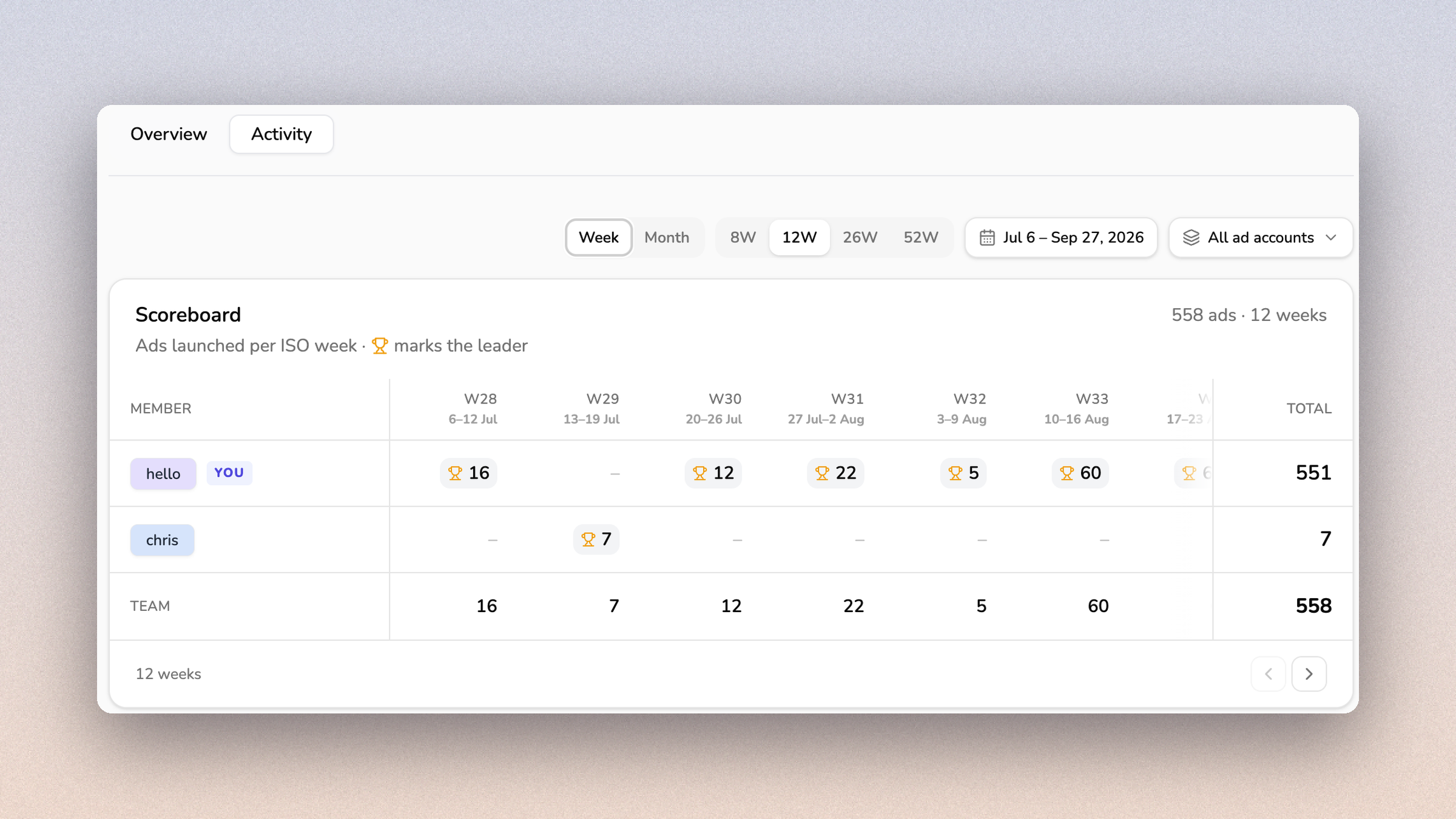
Your organization now has an Activity tab, so you can see how many ads each team member launched over time.
Open Organization → Activity and see ads launched per member by week or by month, with a trophy marking the leader in each period.
Only ads that were created in Meta count. Failed launches count as zero, and deleting rows from Launch History does not change the numbers. Members who have left the organization still show up for the weeks they launched in.
This should make it easier to see how launch work is spread across the team and to spot quiet weeks early.